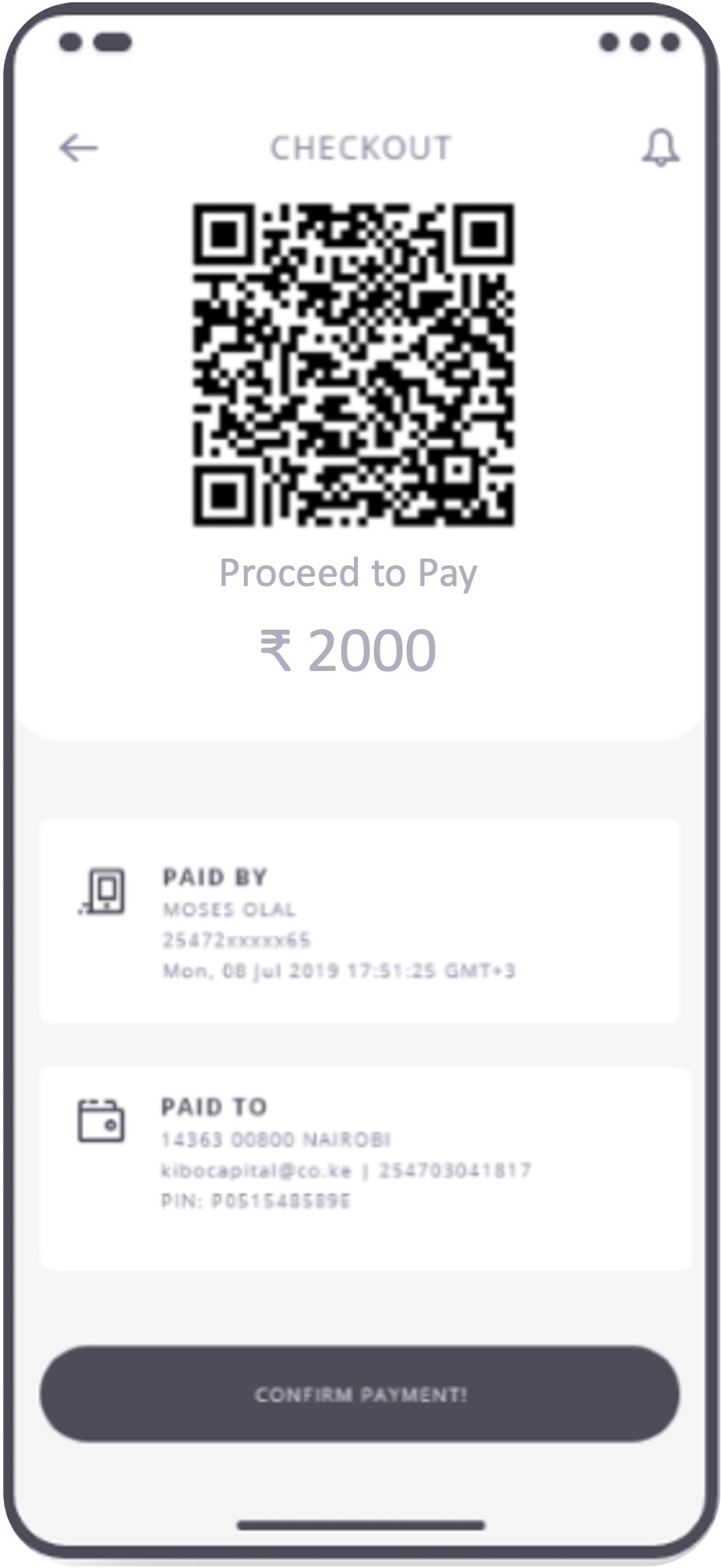

Download & Install Dugmates App
Begin by Searching the application with the Dugmates name on respective stores. Download Dugmates from Google Play Store (for Android) or Apple App Store (for iOS). Installation is quick and hassle-free.

Registering on Dugmates is as easy as using any familiar social media platform. Our streamlined process ensures that anyone with basic digital skills can effortlessly navigate through each step. From downloading the app to confirming your registration, simplicity is at the heart of our user-friendly experience.
Begin by Searching the application with the Dugmates name on respective stores. Download Dugmates from Google Play Store (for Android) or Apple App Store (for iOS). Installation is quick and hassle-free.
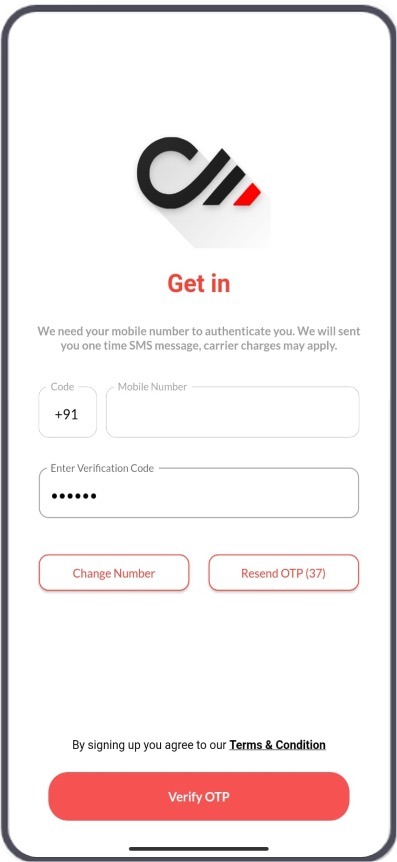
Securely verify your mobile number using a one-time password (OTP). It’s a simple and important step for account security
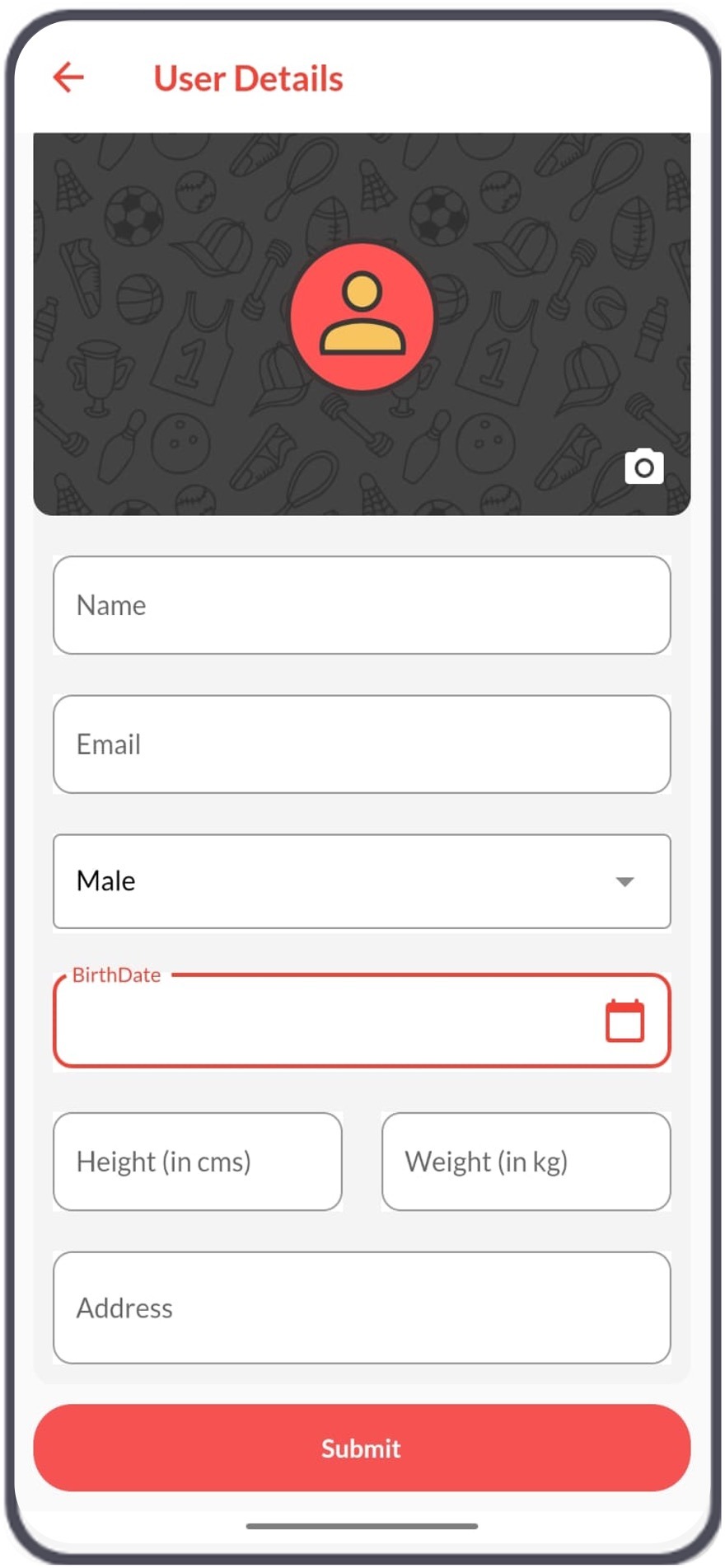
Fill in your name, address, age, and gender. This basic information helps personalize your experience on Dugmates
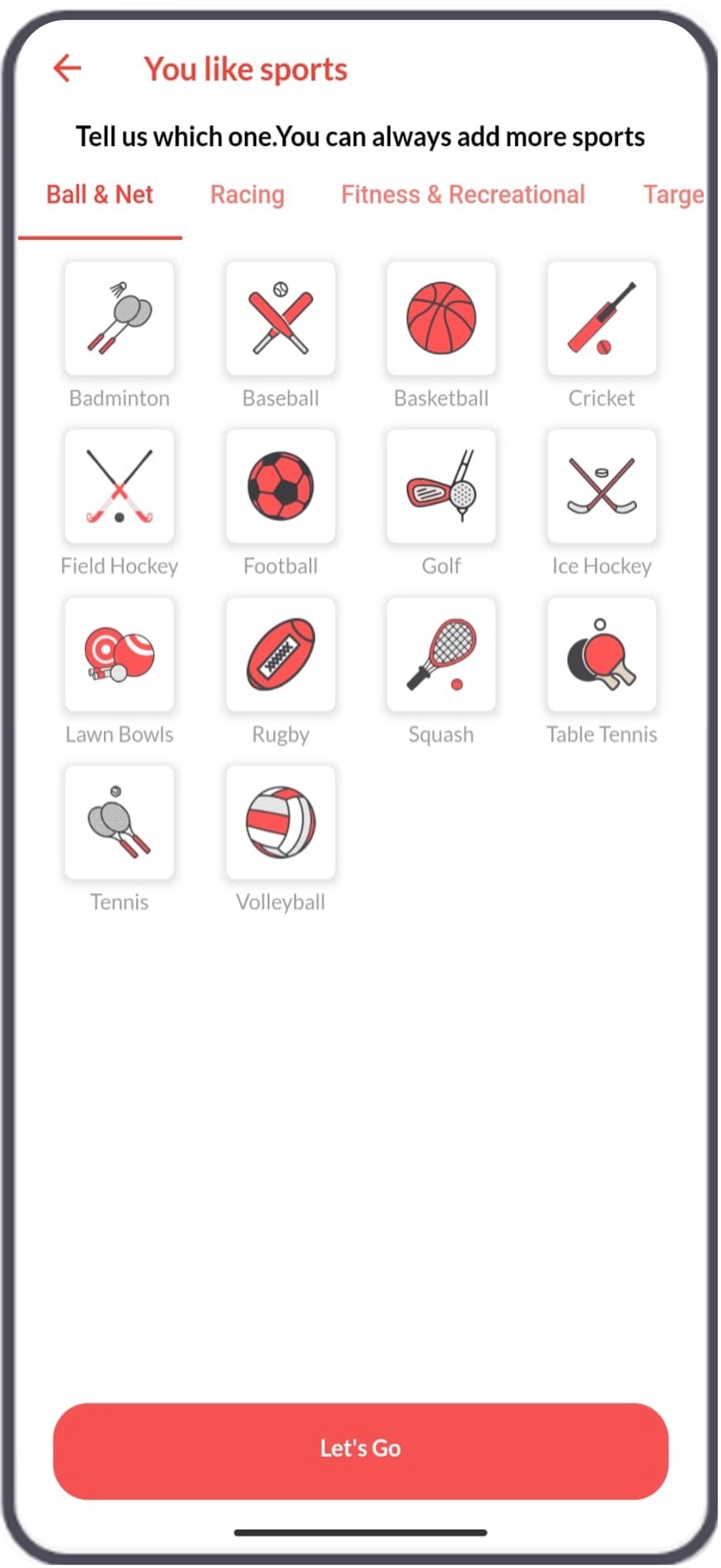
Choose the sports you’re interested in. This step is crucial for matching you with relevant tournaments and teammates.
Fill in your name, address, age, and gender. This basic information helps personalize your experience on Dugmates
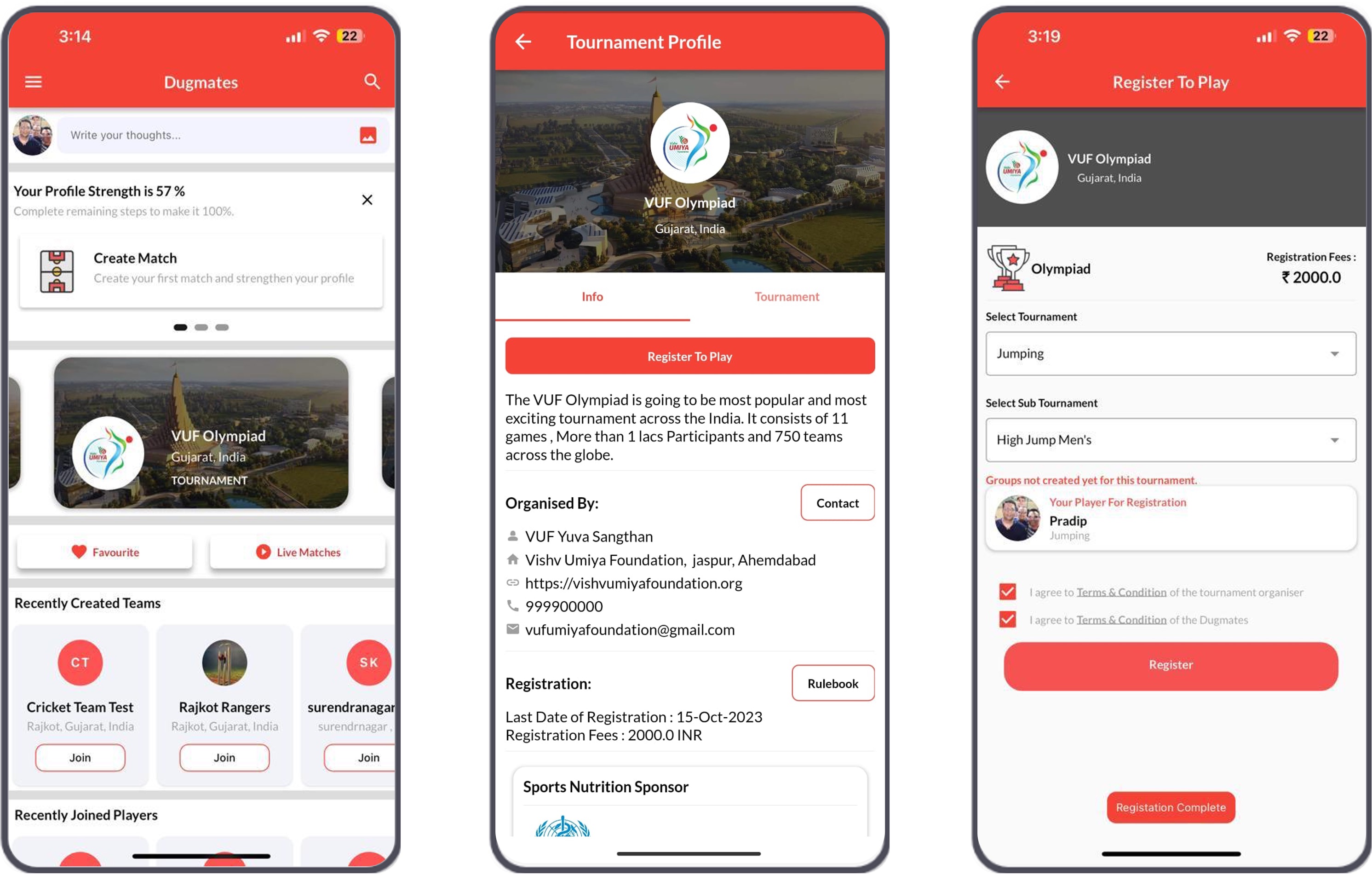
Search for tournament from the home screen to participate. Browse and select tournaments that interest you. Choose specific sports and form or join tournament based on your preferences.
Choose the sports you’re interested in. This step is crucial for matching you with relevant tournaments and teammates.
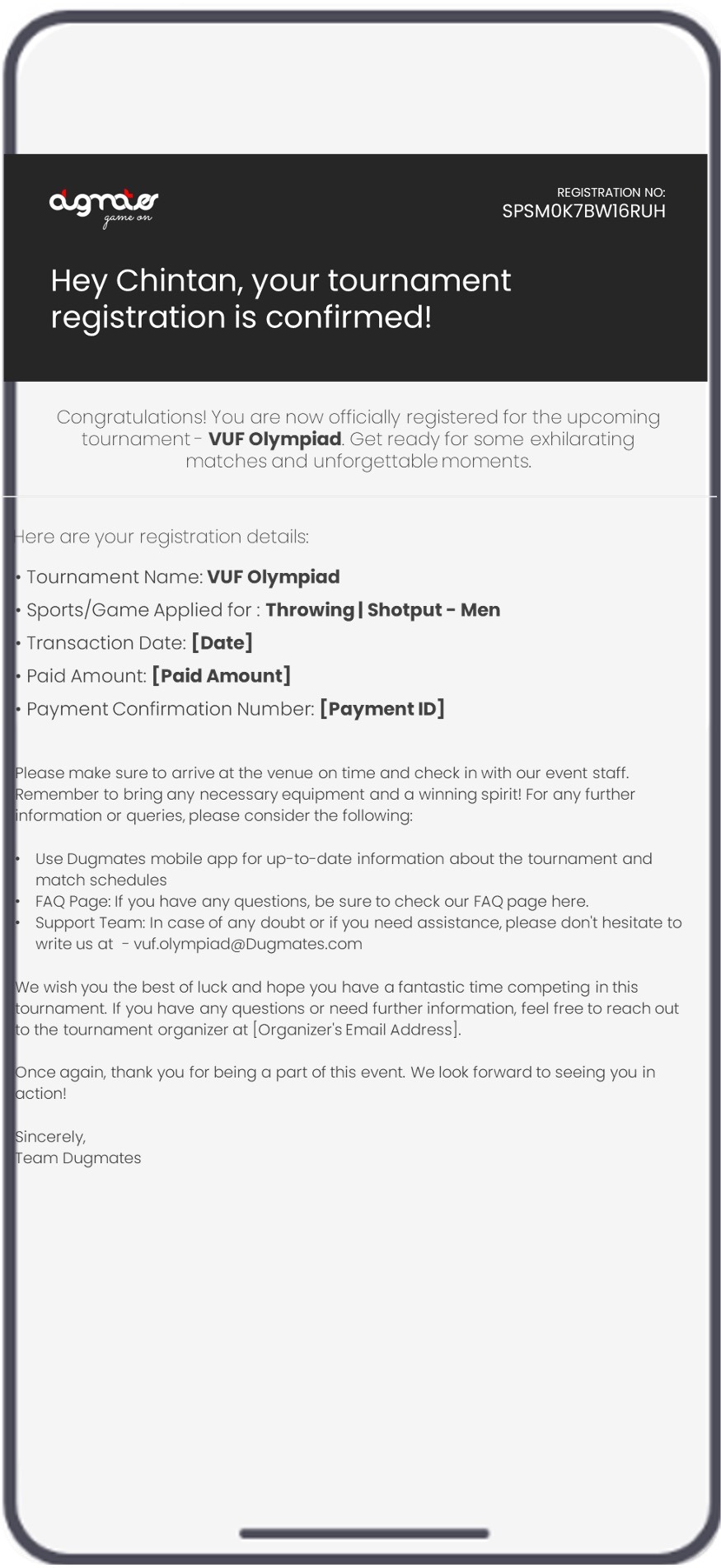
You will receive acknowledge mail, confirming your registration for tournament.
Our FAQs cover teams, tournaments, payments and score counting for every sport.